

A useful toolkit shortens the distance between an idea and a running application. Add tools one at a time around a real bottleneck. A smaller stack your team understands is easier to maintain.
Build one complete small project
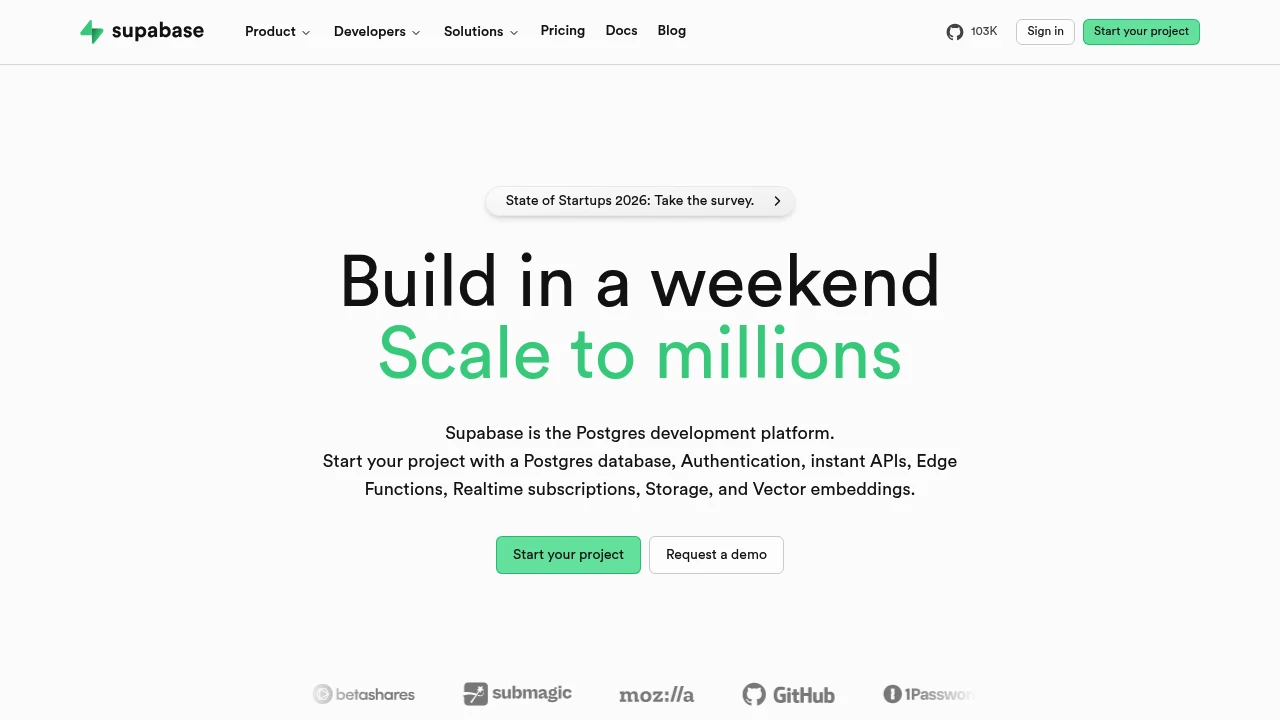
Use the same application to evaluate your backend, API client, repository workflow, and deployment. Supabase, Hoppscotch, and Excalidraw address different parts of that process. Check official documentation for supported integrations instead of assuming the components work together automatically.
Make setup reproducible
Record runtime versions and required environment variables without storing credentials. Test from a clean directory. Identify who handles upgrades and backups for self-hosted services. Adopt another tool when it solves a problem you can name and measure.
Choose tools around the delivery loop
Think of your toolkit as a sequence: understand the problem, build an application, inspect its APIs, review the code, and ship it. Supabase is relevant to backend services, Hoppscotch to API exploration, Excalidraw to diagrams, and a forge such as Gitea to collaboration. Coolify is another project to examine for deployment workflows.
You do not need to adopt all of them together. Choose the stage that currently creates the most friction and improve that first. A diagram that clarifies an API boundary may save more time than introducing another service before the design is settled.
Build a thin slice from start to finish
Use a small application to test the stack: one data model, one authenticated action if needed, and one deployment. Draw the flow, create the backend, inspect the requests, and review the resulting code. This reveals whether the tools connect in the way your team expects.
Document the setup as you go. A clean installation should identify runtime versions, required environment variables, and the commands that start the application. Keep sample values separate from credentials. Ask another developer to follow the instructions before expanding the stack; their questions are evidence of what the documentation needs.
Keep maintenance visible
An additional service adds a place to update software, manage access, and diagnose failures. Record the owner of each service and the data it stores. Identify the backup and recovery path before the service contains important project information. For managed products, keep an export path in the same notes.
After a few weeks, review which tools saved effort and which introduced extra coordination. Remove unused components while the project is still small. A productive toolkit is a collection your team understands and can recover, rather than a list of fashionable projects.
Before you make the switch
Run a small pilot with your own inputs. Compare the result, setup time, operating effort, and export options. Check current documentation and repository licenses before adopting a project; features and hosted plans can change. Keep the original files and configuration available until your new workflow has been tested.
Official instructions and sources
Official project documentationOriginal AltStack guide by Sushil Kumar Sah. Installation steps follow provider documentation; they do not imply testing on every supported device.