A Windows screenshot and OCR utility for capturing regions and organizing screen references.
Free MIT desktop utility; optional provider-backed image search may have separate costs.
The MIT desktop source is free. Core capture/OCR is local; the README describes optional image-search behavior that sends the selected image to its configured service. That provider’s pricing and privacy terms apply separately.
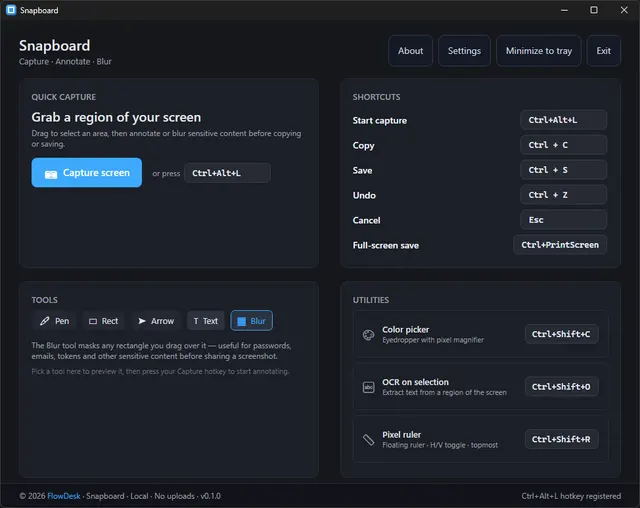
Snapboard · Project dashboard screenshot; optional image search may send a selected image to its configured provider.Product image: FlowDesk · MIT · Original image; layout scaled to fit. Project dashboard screenshot; optional image search may send a selected image to its configured provider. Full notice.Logo: FlowDesk · MIT · Original image; layout scaled to fit. Provider asset identifies snapboard; no endorsement is implied. Full notice.
About Snapboard
A Windows screenshot and OCR utility for capturing regions and organizing screen references. Visit the project website to check the currently available deployment options.
Release status
Official README and source license checked on 2026-11-01. This entry describes the source application; optional hosting, providers, and service costs are stated separately. AltStack did not execute project code or installers.
Install on your computer · Instructions checked 2026-11-01
Read the official README and use the documented Windows release/install process.
Start with a test capture and verify the included local OCR behavior before saving private screenshots.
Treat optional image-search features separately: selected images may be sent to the configured search provider.
Check that provider’s terms and pricing before enabling any remote image-search integration.
The MIT desktop utility is free. Core capture/OCR is local; optional provider-backed image search has separate data-sharing and possible cost terms.
Self-hosting & quickstart specs
License
MIT
Deployment
Local desktop application
Free edition / costs
Free MIT desktop utility; optional provider-backed image search may have separate costs.. The MIT desktop source is free. Core capture/OCR is local; the README describes optional image-search behavior that sends the selected image to its configured service. That provider’s pricing and privacy terms apply separately. Pricing evidence.
Devices / hardware
The MIT desktop utility is free. Core capture/OCR is local; optional provider-backed image search has separate data-sharing and possible cost terms.
No one-line command has been verified for Snapboard; follow its official installation instructions instead of guessing a Docker image or installer.
Powerful screen capture and file sharing tool for Windows.
The ShareX repository edition is available under GPL with documented installation or build instructions and no required source-license subscription. Build/setup work, your device or compute and storage remain your costs. This check covers that source edition; managed services, premium extensions and commercial relicensing, if offered, are not included or price-verified.
Capture a screen region and add arrows, highlights, text or pixelation before saving locally.
The provider offers free open-source screenshot software. This covers local capture and annotation; your device and storage are separate. Optional uploads and external services have their own terms and costs; no paid recording or cloud allowance is established.
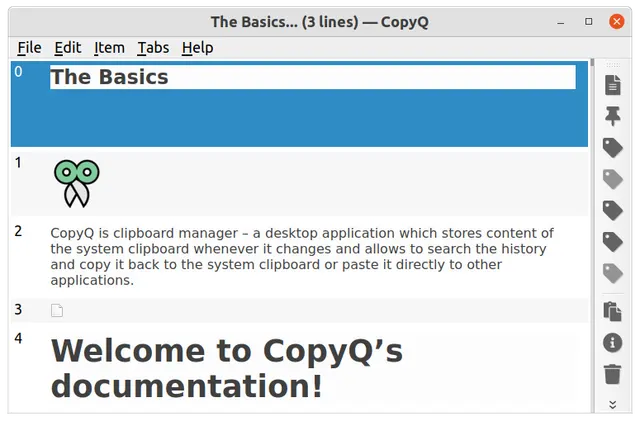
Search, edit and reuse a local clipboard history with optional tabs and automation.
The GPL-3.0 source and documented desktop packages have no required application subscription. Your computer, storage and backups are separate costs; no managed synchronization service or cloud quota is included.
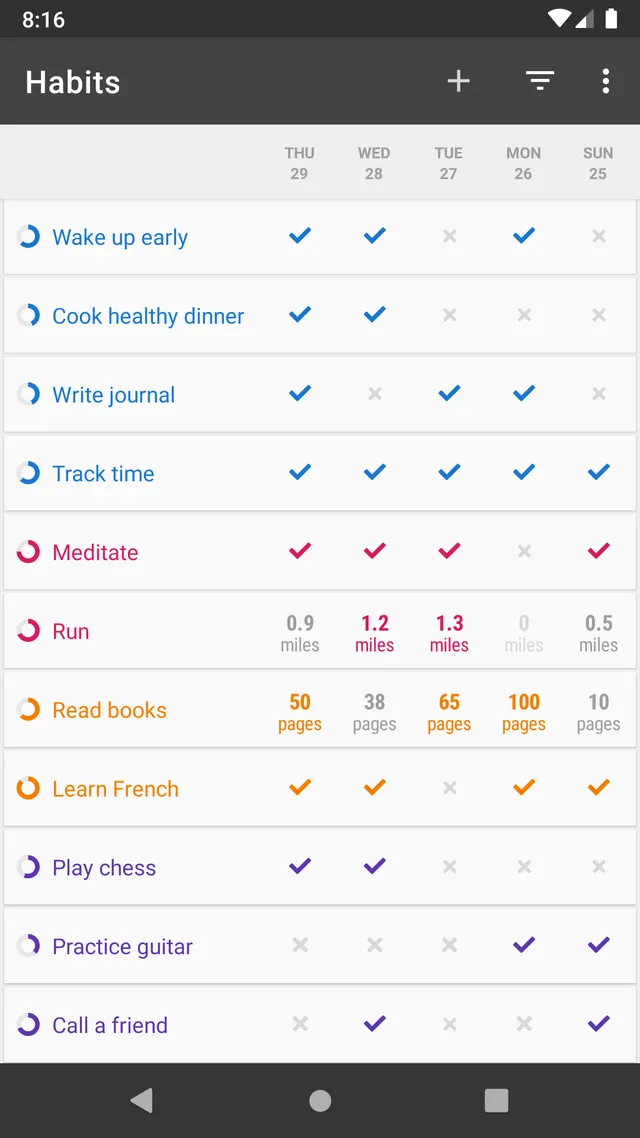
Record habits and inspect progress on an Android phone.
Loop is free GPL-3.0-or-later Android software. The provider states there are no in-app purchases or artificial habit limits, and all features are available to every user. No account or hosted service is required. It replaces local habit schedules, reminders and progress charts, rather than Habitify’s cross-platform account sync, location reminders or paid integrations. Data stays local in the app; Android’s own backup settings can separately copy device data to Google. Keep your own exports before switching devices.
The GPL-3.0 screenshot and annotation source has no required source-license subscription. Your device and storage are separate; optional upload destinations can have their own costs and data handling. This check includes no managed recording or cloud allowance.
Allow Google Analytics to measure page visits and basic device information using cookies? Your searches and form entries are excluded. You can change this choice at any time. Privacy details.